NeroPay offers two types of business spending cards — Virtual and Physical. Follow this guide to set up your account and apply for your card.
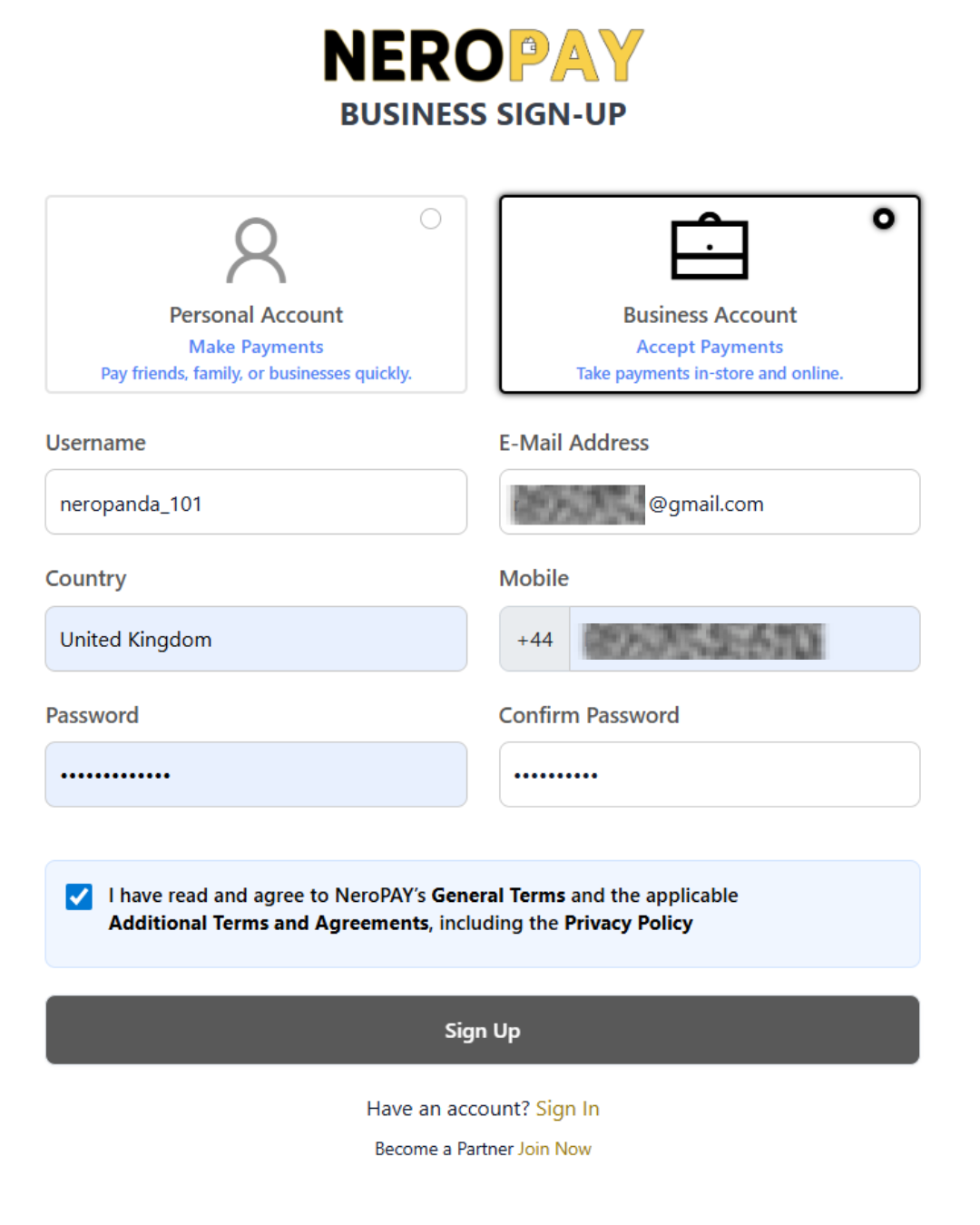
1. Sign Up & Register on NeroPay
- Download the NeroPay App (from App Store or Google Play).
- Create an account by entering your email, password, and verifying your identity.
- Complete your profile – You may be asked to provide:
- Full Name
- Address
- Date of Birth
- Business details (if applicable)
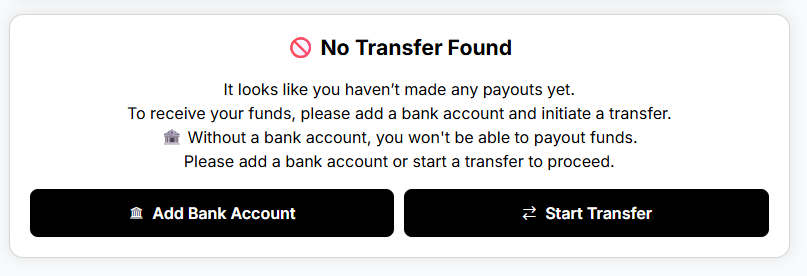
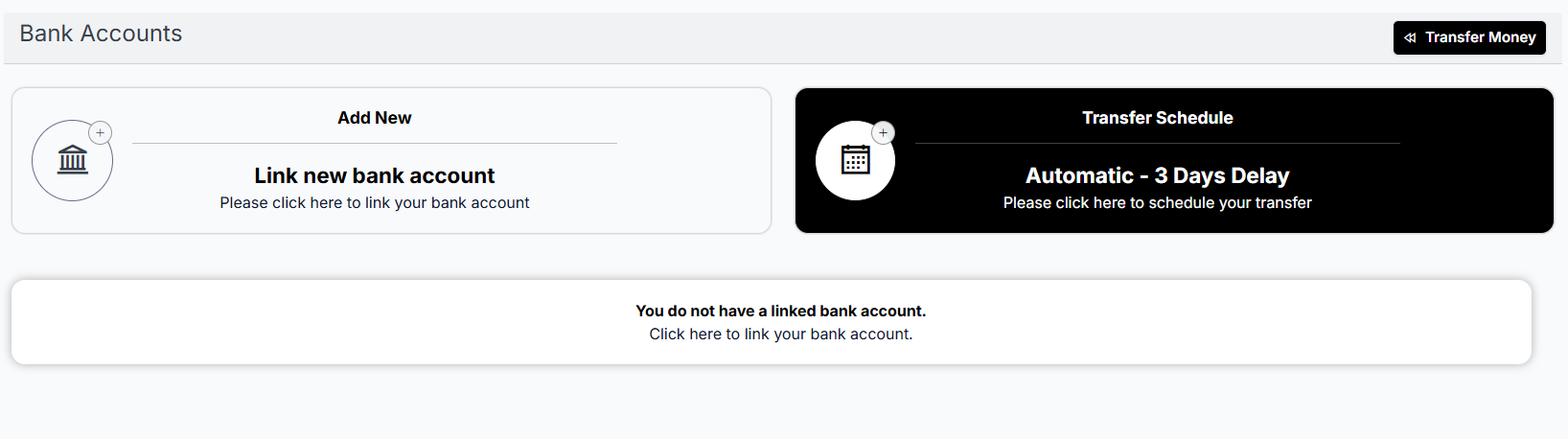
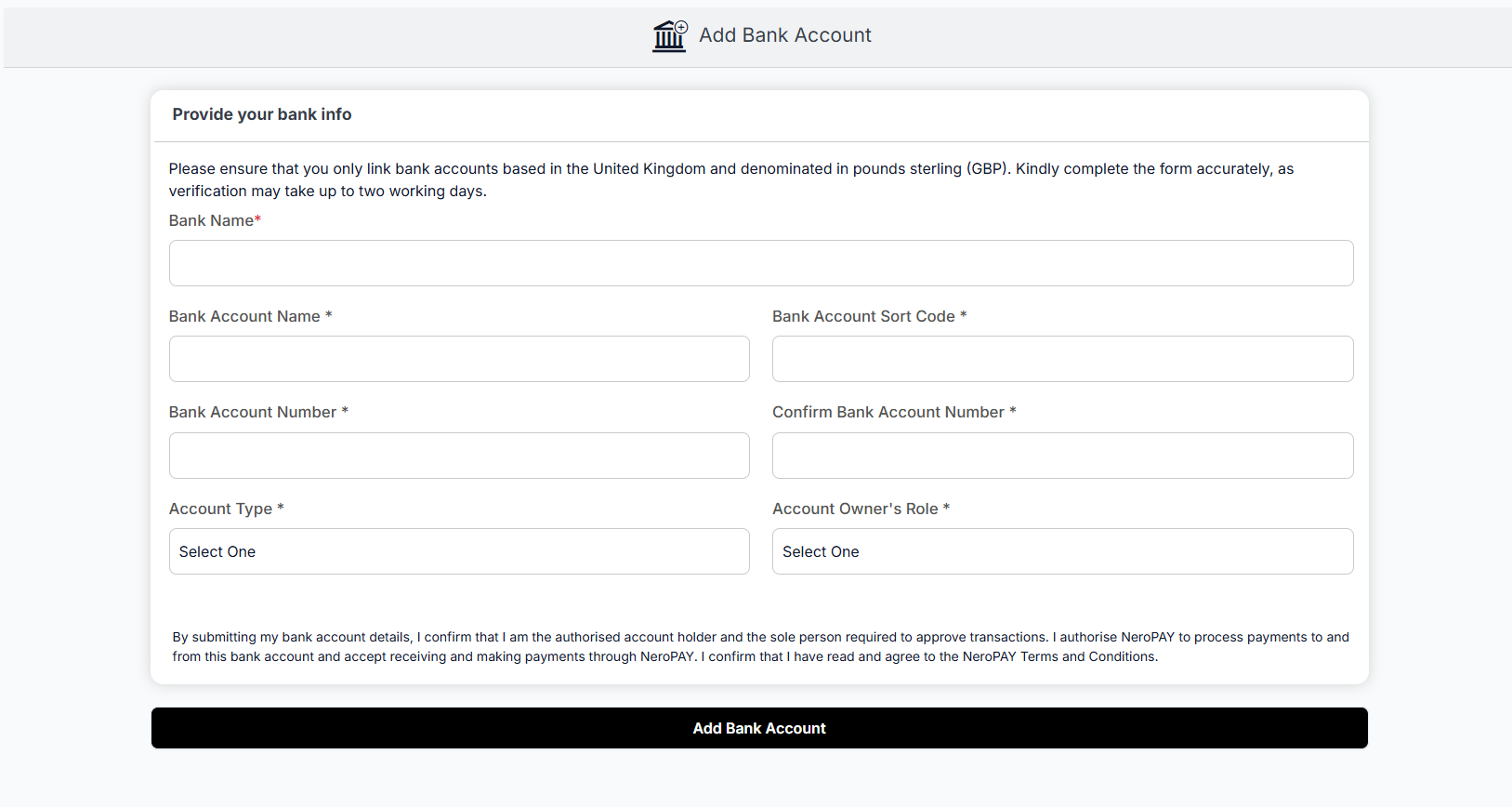
Link a bank account (needed for top-ups and transfers).
Go to Bank Accounts → Link new bank account and follow the prompts to connect securely.
2. Add Funds to Your Balance
Before creating a NeroCard, you need at least £20 in your Payment Balance or NeroCard Balance.
- Tap Transfer Money on your dashboard.
- Choose your linked bank account or merchant wallet.
- Deposit at least £20 to unlock card creation.
3. Apply for a NeroCard
Once your account has funds, you can create a new card:
- Navigate to the NeroCard section in the app.
- Tap Create Card.
- Choose between:
- Virtual Card (£1 fee) – instantly created, ready for online use.
- Physical Card (£19.90 fee) – shipped to your registered address.
- Confirm your details (address required for physical cards).
- Review the fees and confirm your request.
4. Managing Your NeroCard
- View balance & transactions – Check your NeroCard dashboard anytime.
- Top up instantly – Add funds through your merchant wallet or linked bank.
- Use anywhere – Pay online, in-store, or internationally.
- Real-time alerts – Stay updated on every transaction.
Quick Notes
- You need at least £20 in your account to create a card.
- A virtual card is cheaper and faster if you need immediate access.
- A physical card takes longer (shipping time) but works everywhere.