What You Will Need
- A phone or device with a camera
- Good lighting
- Your ID (if requested)
- Access to the secure link we provide you
For security reasons, videos must be recorded live. Uploading pre-recorded or edited clips from your gallery is not allowed.
Step-by-Step: How to Record Your Video
1. Open the secure link
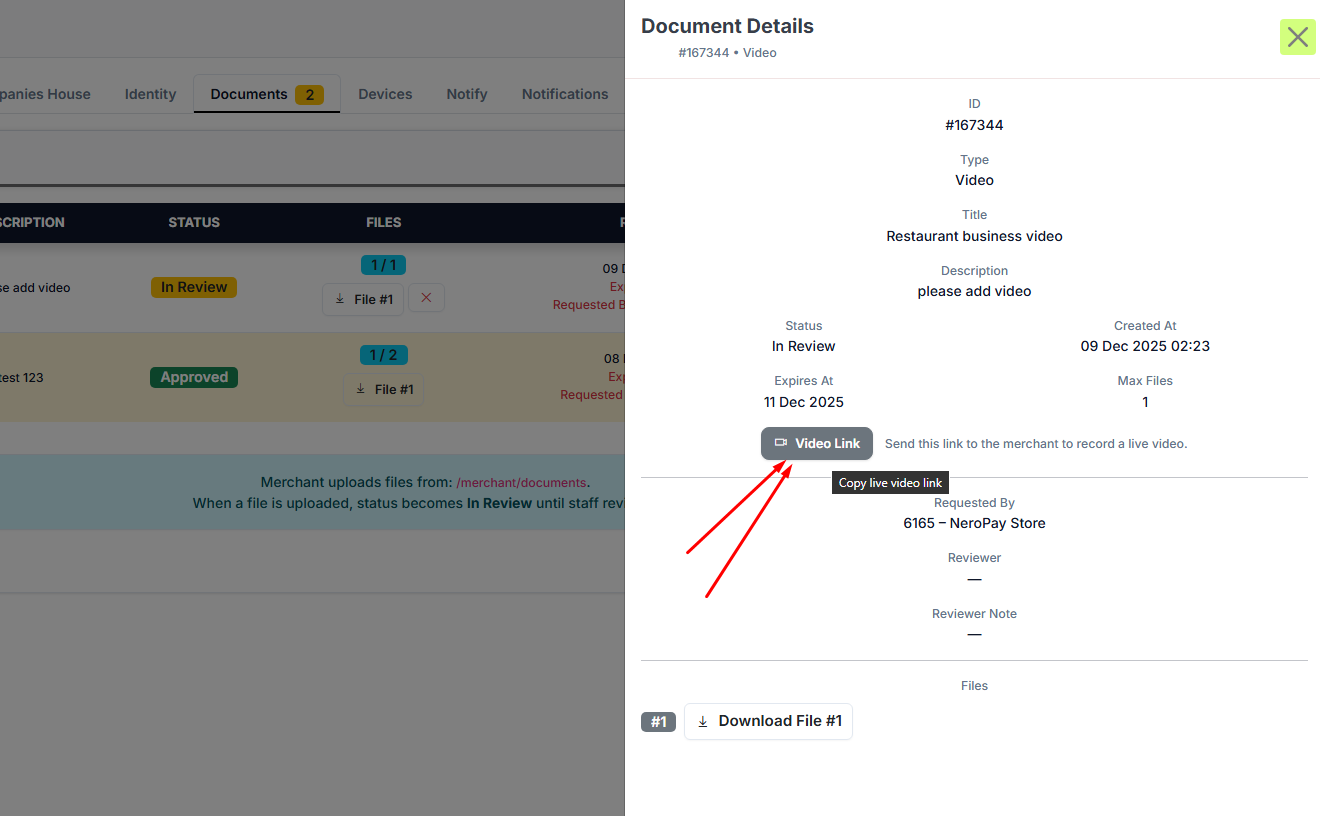
You will receive a unique link from NeroPay (email, chat, or ticket).
Open it on a device with a camera.
2. Read the instructions on the page

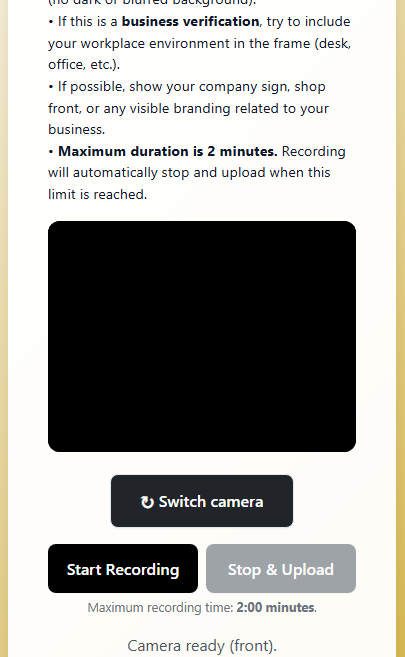
You will see a NeroPay-branded page with clear guidance.
Depending on what we need to verify, the instructions may ask you to:
- Show your face clearly
- Hold your ID next to your face
- Record in a well-lit environment
- Show your shopfront, business signage, or workspace
3. Start recording
Tap Start Recording.
A timer will appear, and you can record for up to 2 minutes.
4. Stop; Upload
When you’re done, press Stop & Upload.
The video will upload automatically and securely.
5. Success message
Once the upload is complete, you will see a confirmation message:
“A video has already been uploaded for this request and is currently In Review. You cannot record another video from this link.”
There is nothing else you need to do.
Our compliance team will review your video shortly.

Tips for a Successful Video
- Make sure your face is fully visible
- Hold your ID clearly in frame if we request it
- If verifying your business, show the shop sign, counter, products, or office area
- Avoid backlighting or very dark environments
- Keep the video steady and speak clearly if asked to say anything
Why We Request a Video
We may require a verification video when:
- We need to confirm your identity
- We need to verify your business location or environment
- Additional assurance is required for compliance or security checks
This helps us protect you and all merchants on our platform.
Have Questions?
If you are unsure about what to show in your video or need help:
📩 support@neropay.app
💬 Live chat or support ticket via your dashboard
We’re here to help you complete the verification smoothly.