
New to NeroPay? This page takes you from sign-up to your first payout in six steps. Each step links to the full guide, so you can follow it in order or jump to the part you need.
📸 Six steps from sign-up to your first payout.
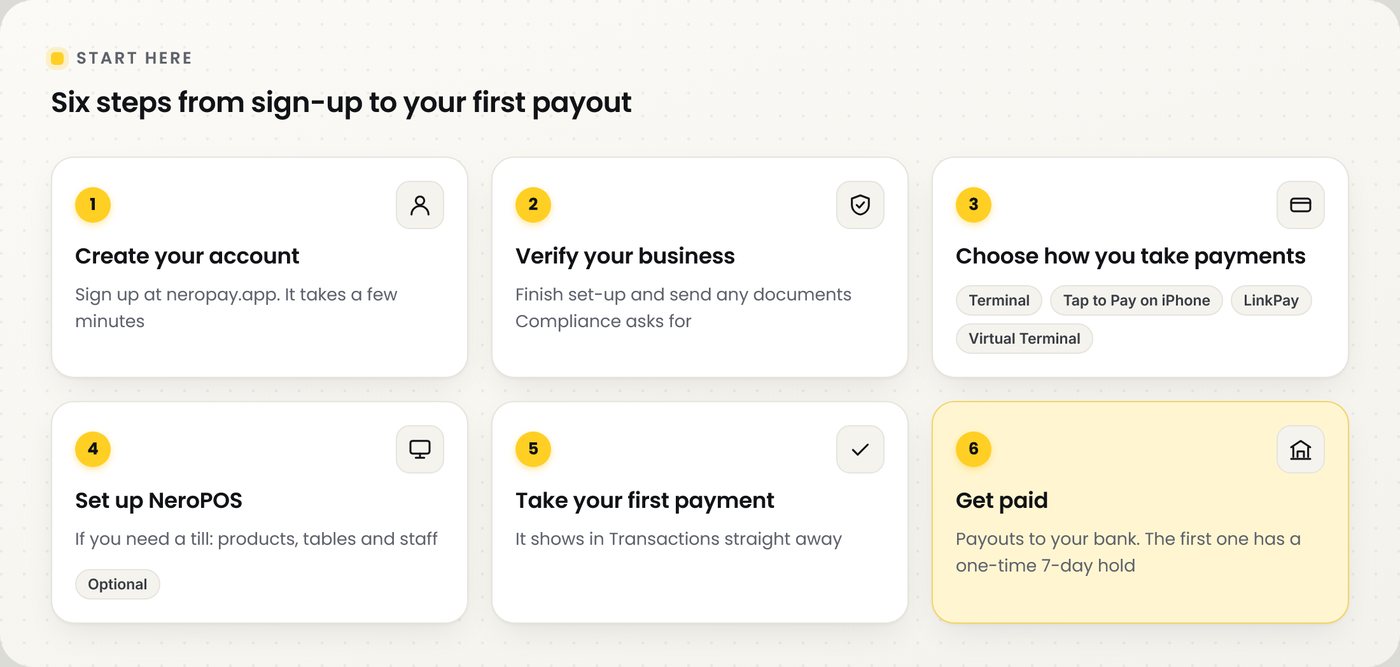
Your first six steps
| Step | What to do |
|---|---|
| 1. Create your account | Sign up at neropay.app. It takes a few minutes. See how to create your NeroPay account |
| 2. Verify your business | Finish your account set-up and send any documents the Compliance team asks for. See account setup, identity verification and Compliance |
| 3. Choose how you take payments | A terminal, Tap to Pay on iPhone, LinkPay or Virtual Terminal. See the table below |
| 4. Set up NeroPOS (if you need a till) | Add your products, tables and staff. See Point of Sales and products and categories |
| 5. Take your first payment | It shows in Dashboard → Transactions. See Transactions |
| 6. Get paid | Payouts go to your bank account. Your first payout has a one-time 7-day security hold. See your first payout |
Choose how you take payments
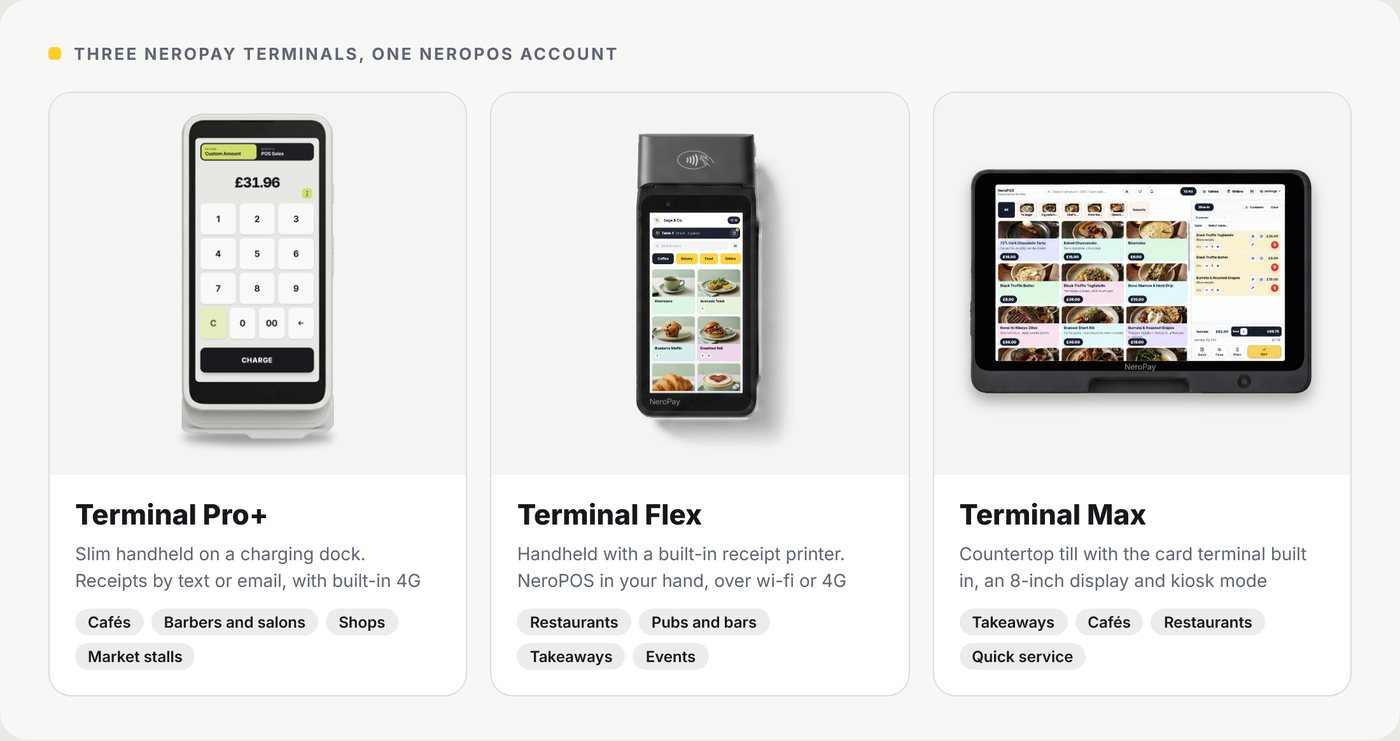
📸 The three NeroPay terminals all work on one NeroPOS account.
| Option | Best for |
|---|---|
| NeroPay terminal (Pro+, Flex or Max) | Shops, cafés and restaurants taking payments at the counter or table. See choosing a NeroPay terminal |
| Tap to Pay on iPhone | Starting with no hardware, or taking payments on the go. See Tap to Pay on iPhone |
| LinkPay | Remote payments, deposits and orders by phone or chat. See LinkPay |
| Virtual Terminal | Phone orders where the customer reads you their card. See Virtual Terminal |
💡 Note: You can use more than one. All your payments go into the same NeroPay account.
Prices
Card processing fees, hardware and software are on NeroPay pricing.
Get help
| Channel | How to reach us |
|---|---|
| support@neropay.app | |
| Phone | 020 8150 2104 |
| Live chat | From your NeroPay dashboard |
| Ticket | Create a ticket from Help and support |
Frequently asked questions
How long does it take to get set up?
Signing up takes a few minutes. Verification depends on your business and the documents needed. Your dashboard shows what is left to do.
Do I need a card terminal?
No. You can start with Tap to Pay on iPhone or LinkPay and add a terminal later.
When do I get my money?
Payouts go to your bank account. Your first payout has a one-time 7-day security hold. See your first payout.
Where do I see my payments?
In Dashboard → Transactions. Every payment, refund and payout is listed there.
Who do I contact if I am stuck?
Email support@neropay.app, call 020 8150 2104, or use live chat in your dashboard.
Still need help? Contact us at support@neropay.app or create a ticket.