Get your sales report by email every day, week or month without logging in. Weekly reports are switched on for new accounts, and you can copy in up to 10 people, such as a manager or your accountant.
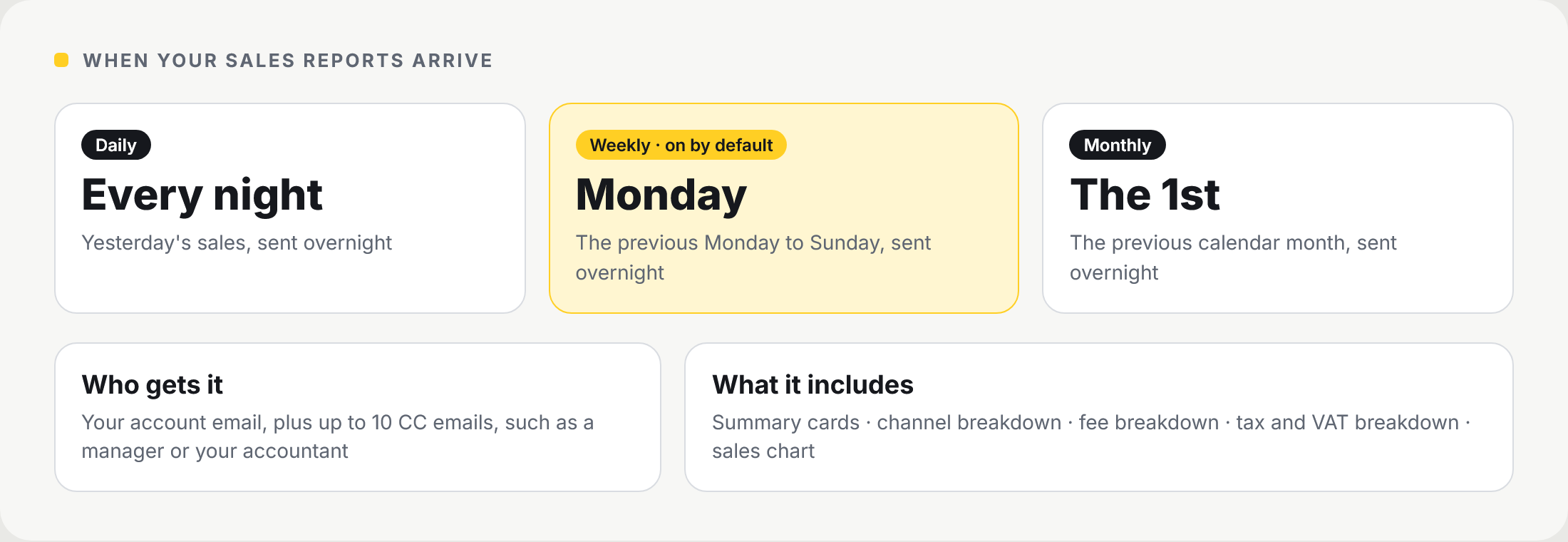
📸 When each report arrives, who gets it and what it includes.
How to get there
Go to Reports and scroll to Report Settings.
Choose when reports are sent
| Report | When it arrives |
|---|---|
| Daily report | Yesterday's sales, sent overnight |
| Weekly report | The previous Monday to Sunday, sent overnight on Monday. On by default |
| Monthly report | The previous calendar month, sent overnight on the 1st |
💡 Note: you can switch on more than one schedule, or leave them all off.
Choose who receives them
| Field | What it does |
|---|---|
| Primary recipient | Your account email. It is set automatically and cannot be changed here |
| CC emails | Up to 10 extra addresses that receive a copy |
Choose what each report includes
These options control what appears on the Reports page and in the emails.
| Option | What it adds |
|---|---|
| Summary cards | Headline totals for the period |
| Channel breakdown | Sales by channel, such as in store and online |
| Fee breakdown | Card processing fees for the period |
| TAX breakdown | Tax collected, on the page and in the emails |
| VAT applied breakdown | Works out VAT from VAT-inclusive totals using the rate you enter |
| Sales chart | A chart of sales across the period |
| Send even if there are no sales | Sends the email on days or weeks with no sales |
💡 Note: the VAT applied breakdown treats channel totals as VAT-inclusive. At 20%, £120.00 of sales is £100.00 net plus £20.00 VAT.
Monthly statements
Optional monthly statements give a bank-style record of sales, refunds, payouts and NeroPay costs. They are off by default. Switch on Enable Statements in the same section to receive them.
Frequently asked questions
Who receives the report?
Your account email, plus up to 10 CC addresses you add.
Can I change the main recipient?
Not from Report Settings. It always uses your account email.
Why did I get a weekly report I did not set up?
Weekly reports are on by default for new accounts. Switch them off in Report Settings if you do not want them.
Can my accountant receive the report?
Yes. Add their email under CC emails.
What time do reports arrive?
Reports are sent overnight after the period ends.
Still need help? Contact us at support@neropay.app or create a ticket.