NeroPay has three terminals: Pro+, Flex and Max. All three take card payments and work on the same NeroPOS account, so you can choose one or use them together.
📸 Terminal Pro+, Terminal Flex and Terminal Max.
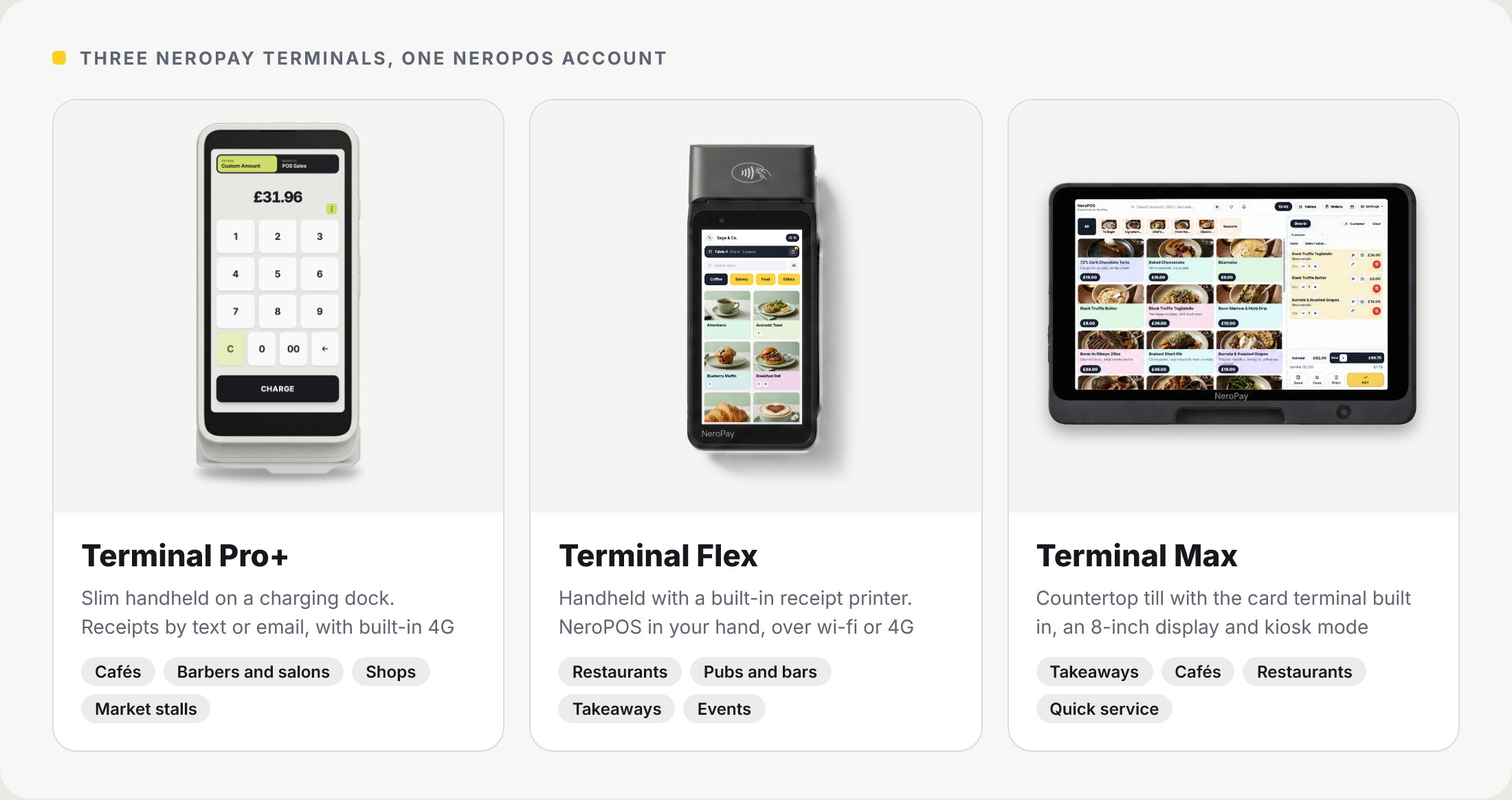
The three terminals at a glance
| Terminal Pro+ | Terminal Flex | Terminal Max | |
|---|---|---|---|
| Type | Slim handheld on a charging dock | Handheld with a built-in printer | Countertop till with a stand |
| Screen | Full-height touchscreen | 5.5-inch touchscreen | 8-inch display |
| Receipts | By text message or email | Printed on the terminal | Printed on your receipt printer, over wi-fi or Bluetooth |
| Connection | Wi-fi and a built-in 4G eSIM | Wi-fi and 4G | Wi-fi, Ethernet (with the USB hub) and Bluetooth |
| NeroPOS | Works on your NeroPOS account | NeroPOS till on the terminal | Your full NeroPOS till, with a self-service kiosk mode |
| Card rate | One rate for every card | One rate for every card | One rate for every card |
| Xero and QuickBooks | Transactions sync instantly | Transactions sync instantly | Transactions and POS sales sync instantly |
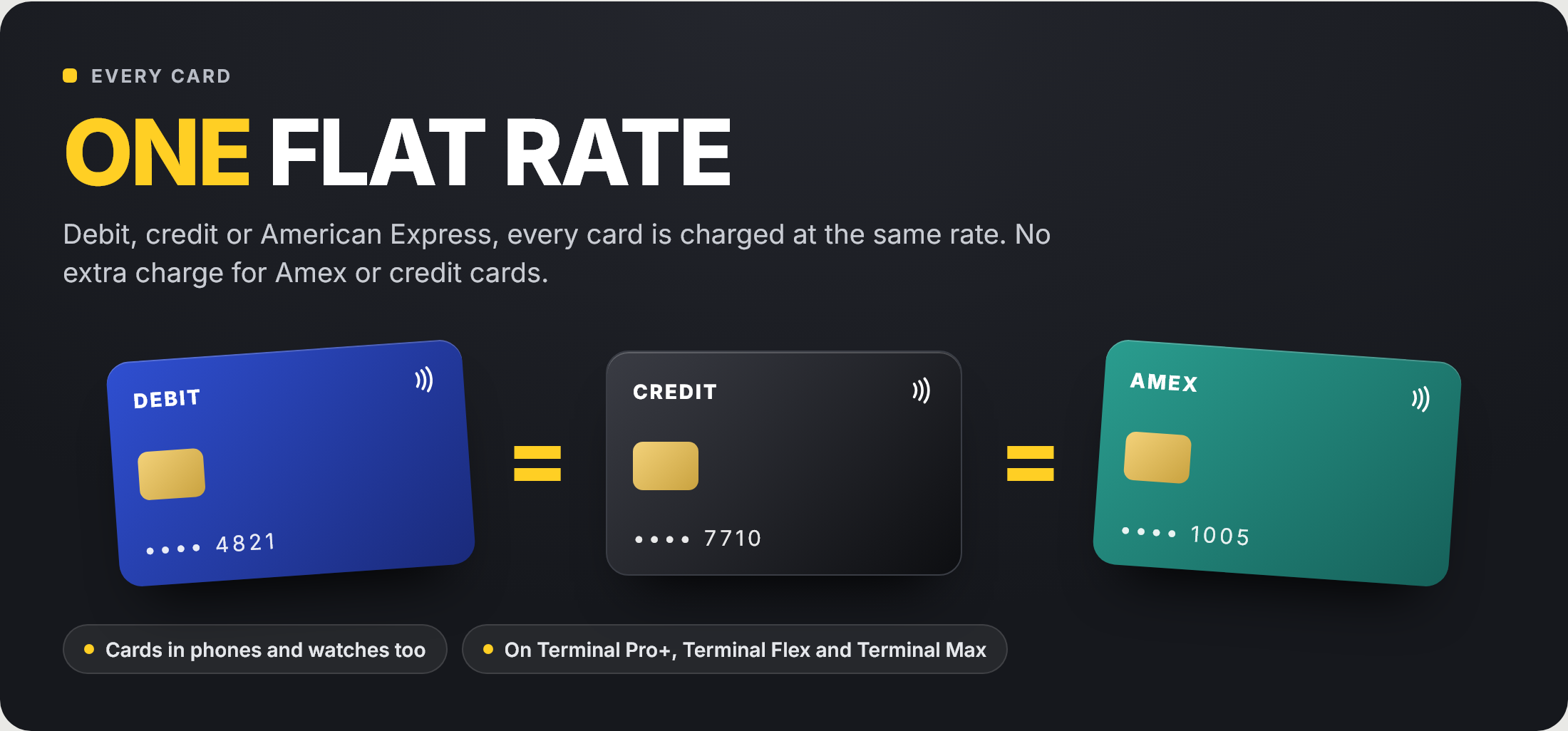
One flat rate
Every NeroPay terminal takes Visa, Mastercard and American Express, debit or credit, and cards in phones and watches. Every card is charged at the same rate, so an American Express payment costs you the same as a debit card.
📸 One flat rate: every card is charged the same.
Which one suits your business
| Business | A great fit | Why |
|---|---|---|
| Cafés and coffee shops | Pro+ or Max | Quick payments at the counter. The Max adds your full till and a customer display |
| Restaurants | Flex, with a Max at the counter | Take the order and the payment at the table, and print the receipt there |
| Takeaways | Max | Customers can order and pay at a self-service kiosk, and tickets go to the kitchen |
| Pubs and bars | Flex | Take payment at the table or the bar, with the receipt printed on the spot |
| Barbers and salons | Pro+ | Take payment at the chair and send the receipt by text |
| Shops | Pro+ | Slim on the counter, with receipts by text or email |
| Market stalls, pop-ups and events | Pro+ or Flex | Built-in 4G keeps you taking payments away from wi-fi |
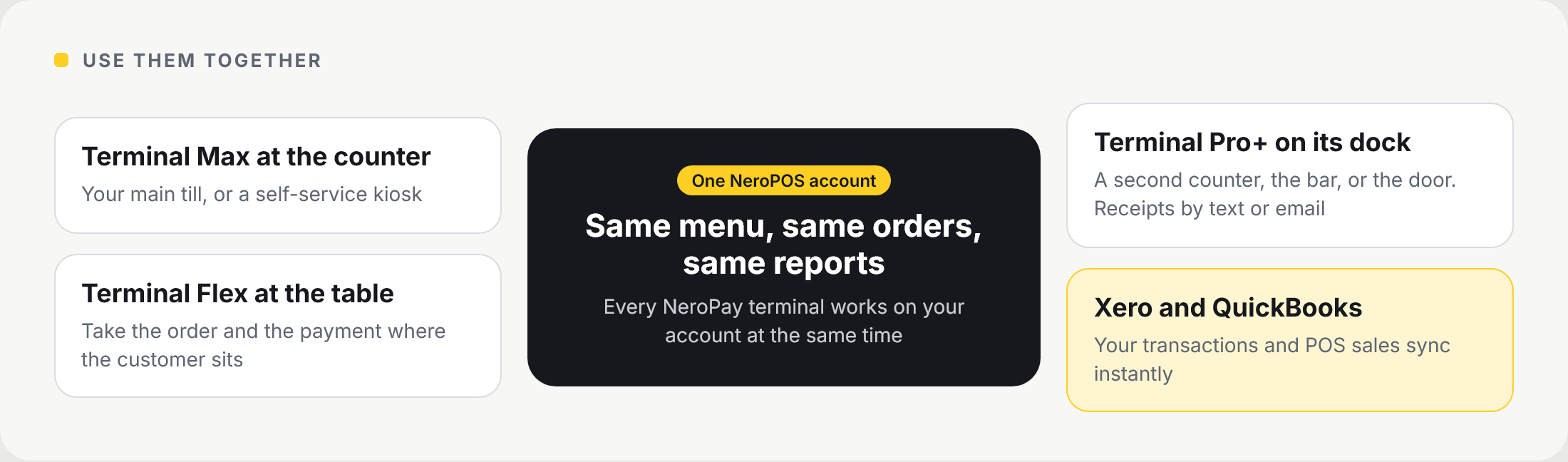
Use them together
Every NeroPay terminal works on your NeroPOS account at the same time. A restaurant might run a Max as the main till, a Flex at the tables and a Pro+ at the bar, with one menu and one set of reports.
📸 NeroPay terminals working together on one NeroPOS account.
Read more about each terminal
Frequently asked questions
Do American Express cards cost more?
No. Every card, including American Express, is charged at the same rate.
Can I use more than one type of terminal?
Yes. Pro+, Flex and Max all work on the same NeroPOS account at the same time.
Which terminals print receipts?
The Flex prints receipts itself. The Max prints to your receipt and kitchen printers over wi-fi or Bluetooth. The Pro+ sends receipts by text message or email.
Which terminals work away from wi-fi?
The Pro+ and the Flex both connect over 4G as well as wi-fi.
Which terminal can be a self-service kiosk?
The Max. See Setting up a self-service kiosk.
Not sure which one to choose?
Contact us at support@neropay.app and our team will help you pick the right setup for your business.
How are my card payments kept secure?
See the NeroPay Trust Centre for how NeroPay protects card payments, your account and your data.
Still need help? Contact us at support@neropay.app or create a ticket.