
Connect Logs shows every payment across your merchants and where each one went. Connect API Logs is the technical trace behind them.
Connect Logs
Go to NeroConnect → Connect Logs. Filter by search, merchant, status, channel or dates. Only your platform's accounts appear.
📸 The status tiles in Connect Logs. Demo data.
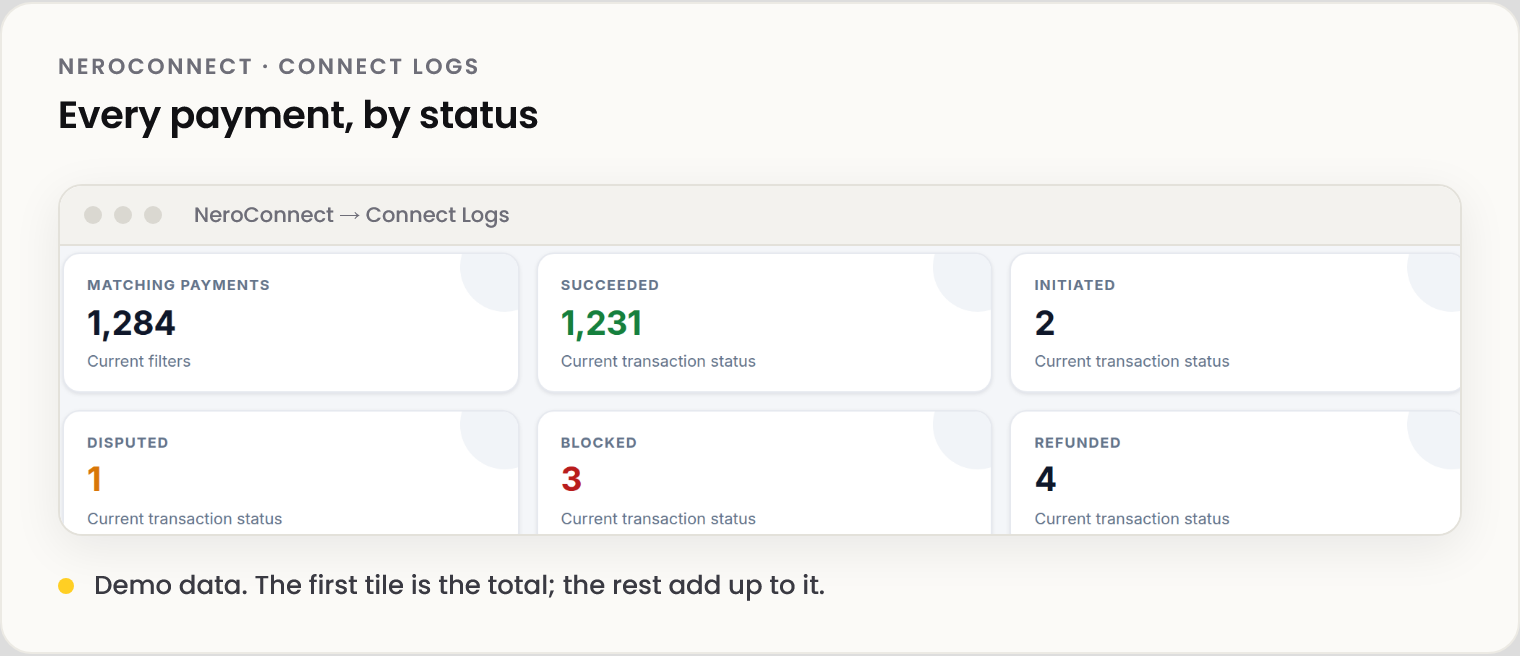
The tiles count the payments that match your filters: Matching payments is the total, and Succeeded, Initiated, Failed, Cancelled, Disputed, Blocked, Refunded, Partially refunded and Other add up to it.
Where one payment went
📸 The payment allocation in a transaction's detail panel. No values shown.
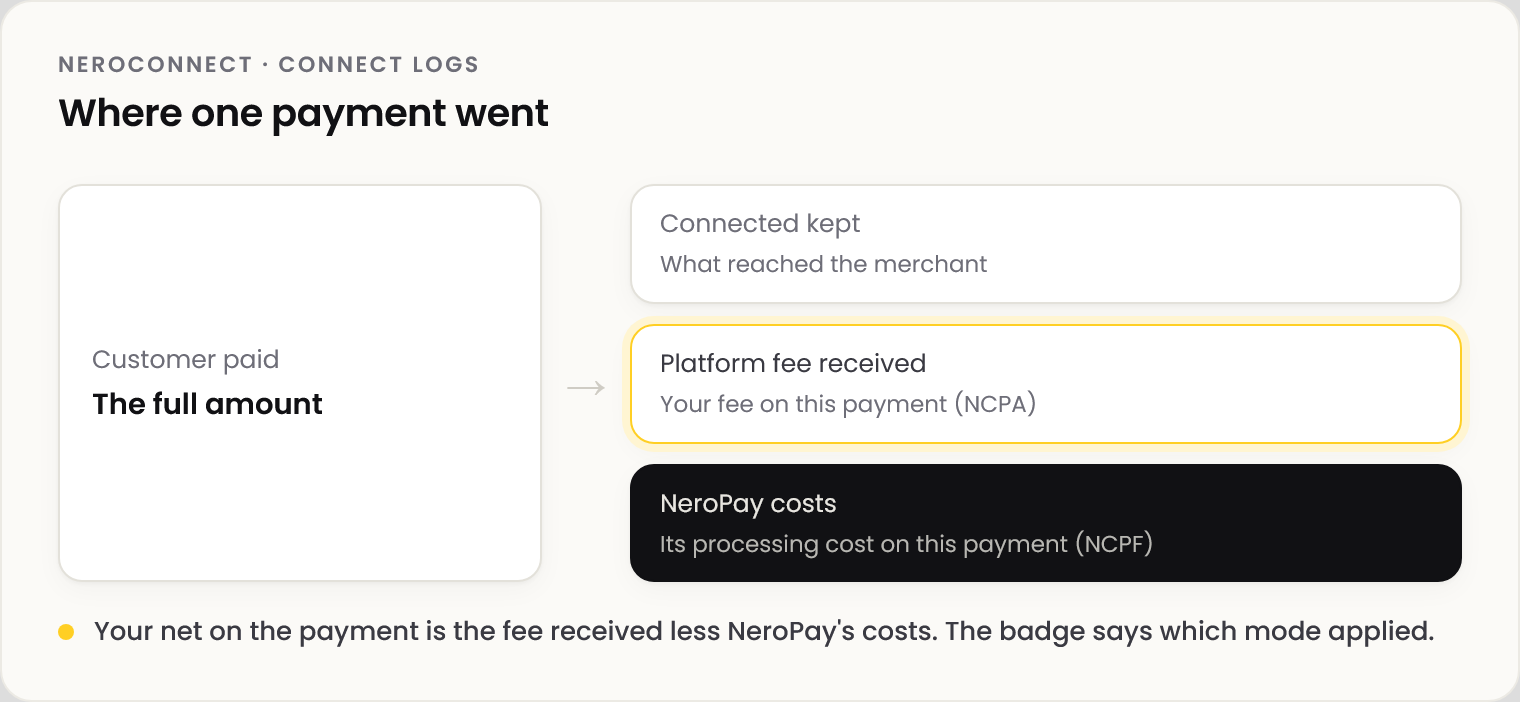
Select View on a payment. The panel also shows the merchant, the payment record, the customer and order, and the masked card and terminal.
⚠️ Card details are always masked, and a card number typed into an order description is redacted.
Connect API Logs
| Tab | Shows |
|---|---|
| Payments | Payment records, with filters for reference, merchant, dates, status, customer and amount |
| IPN & notification queue | Each notification: type, delivery status, HTTP code, attempts |
| Webhook deliveries | Outbound webhook attempts and responses |
| API requests | Method, endpoint, acting and on-behalf-of merchant, HTTP code |
💡 Note: A successful payment and a delivered notification are different events. An HTTP 2xx confirms receipt, not fulfilment.
History is kept for up to 12 months.
Frequently asked questions
A customer saw the thank-you page but the order is missing.
Check the payment status in Payments, then the IPN & notification queue for that reference.
Why can't I see another platform's payments?
Results are limited to accounts your platform owns.
Where are period totals?
In Reports and reconciliation. The allocation here is per payment.
Still need help? Contact us at support@neropay.app or create a ticket.