
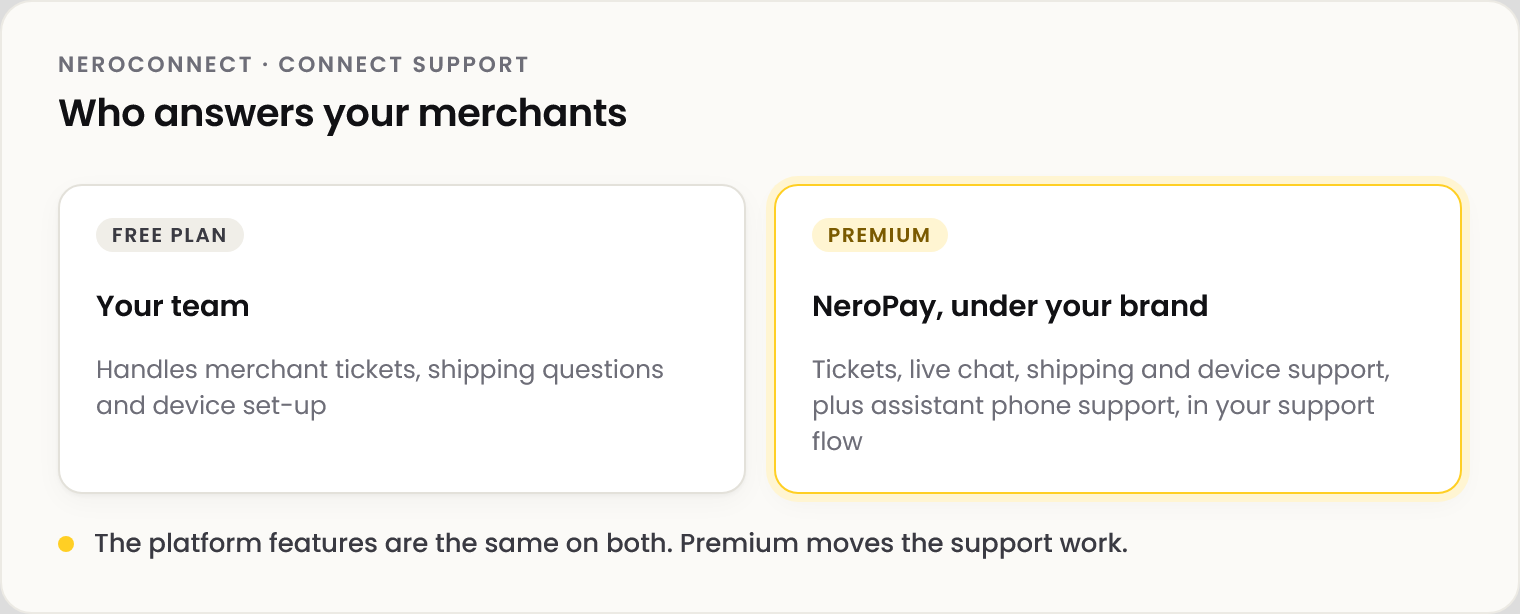
Every platform starts on the Free plan, where your team answers your merchants. Premium moves that work to NeroPay, under your brand. The platform features are the same on both.
📸 Who answers your merchants on each plan.
Get help now
Go to NeroConnect → Connect Support: Open Live Chat during the UK hours shown, or Visit Docs. Outside chat hours, contact support@neropay.app.
Free and Premium
| Free | Premium | |
|---|---|---|
| Dashboard, fee settings, reports, reserve ledger | Included | Included |
| Merchant tickets and live chat | Your team | NeroPay, under your brand |
| Shipping and device support | Your team | NeroPay, under your brand |
| Assistant phone support | Not included | Included |
| White-label preparation of merchant orders | Only orders you place | Yes |
Premium is a monthly subscription. The price is on the Premium card in Connect Support; start it with Upgrade to Premium.
⚠️ If a Premium payment fails, Premium is paused, not cancelled, and your team handles merchant support until the payment is restored.
Frequently asked questions
Do I lose features on Free?
No. Premium changes who handles support, not what the platform can do.
Can my merchants use the live chat on Connect Support?
It is for you as the platform. Whether merchants reach NeroPay under your brand is what Premium decides.
A merchant ordered a terminal while I was on Free. Will it be branded?
It ships without white-label preparation. Place the order yourself to have it prepared.
Still need help? Contact us at support@neropay.app or create a ticket.